
Anıl Tuluy
Blog Post
Sand Grain
Sand Grain Fountain
Colorful Sands
Light Probes: High-Performance Realism
ON FEBRUARY 24, 2026 / GAME DEVELOPMENT
I first encountered Unity’s Light Probes while following a Udemy course. Fascinated by the concept, I decided to do a deep dive into this essential lighting solution.
What exactly are Light Probes?
Lighting is often the difference between a game that looks “flat” and one that is truly beautiful. But in game development, beauty usually comes at a cost to performance. This is where Light Probes can be used as an effective solution.
Using Light Probes we can decrease the calculation job of our computers. We do not force the computer to calculate how light hits a moving object every single frame (which is very expensive). We can think of a Light Probe as a “bookmark” for light. Putting these “bookmarks” we give Unity the ability to pre-calculate the lighting at specific points in our scene during the “bake” process.
When a player or a dynamic object moves through these points, Unity simply blends the light data from the nearest probes. This creates a realistic, indirect lighting on moving objects without the heavy lifting of real-time shadows.
Why To Use?
Performance Reasons:
Reading and trying to understand the documentation of Unity, I learned that Light Probes use something called Spherical Harmonics. Without getting too deep into the math, Spherical Harmonics are a set of mathematical functions used to represent data or functions on the surface of a sphere. In Unity it basically allows the GPU to render complex lighting using a very small set of numbers. It’s incredibly fast.
Visual Continuity:
We want that our game characters (moving objects) within our game actually “belong” in their environment . A game character looking bright and glowing even when it walks into a dark alley is not a realistic experience for the player. That happens usually because of a lack of Light Probes. Probes ensure that our characters pick up the colors and brightness of the world around them.
Memory Efficiency:
According Unity documentation unlike Lightmaps (which are large textures that eat up VRAM), Light Probes are tiny. For mobile or VR development, they are essential for keeping the frame rate high while maintaining a polished look.
How to use them?
We should not place more of them but place them smarter. We can place them where the action happens and not into corners of a room where the player can’t go.
We can try to increase the density near transitions. For example if a player moves from a bright outdoor area into a dark cave, we can place more probes at that entrance to ensure the lighting transition looks smooth.
Final Thoughts
Light Probes are quite effective tools provided by Unity. We can use them to create rich, believable worlds that run smoothly on everything from high-end PCs to mobile phones.
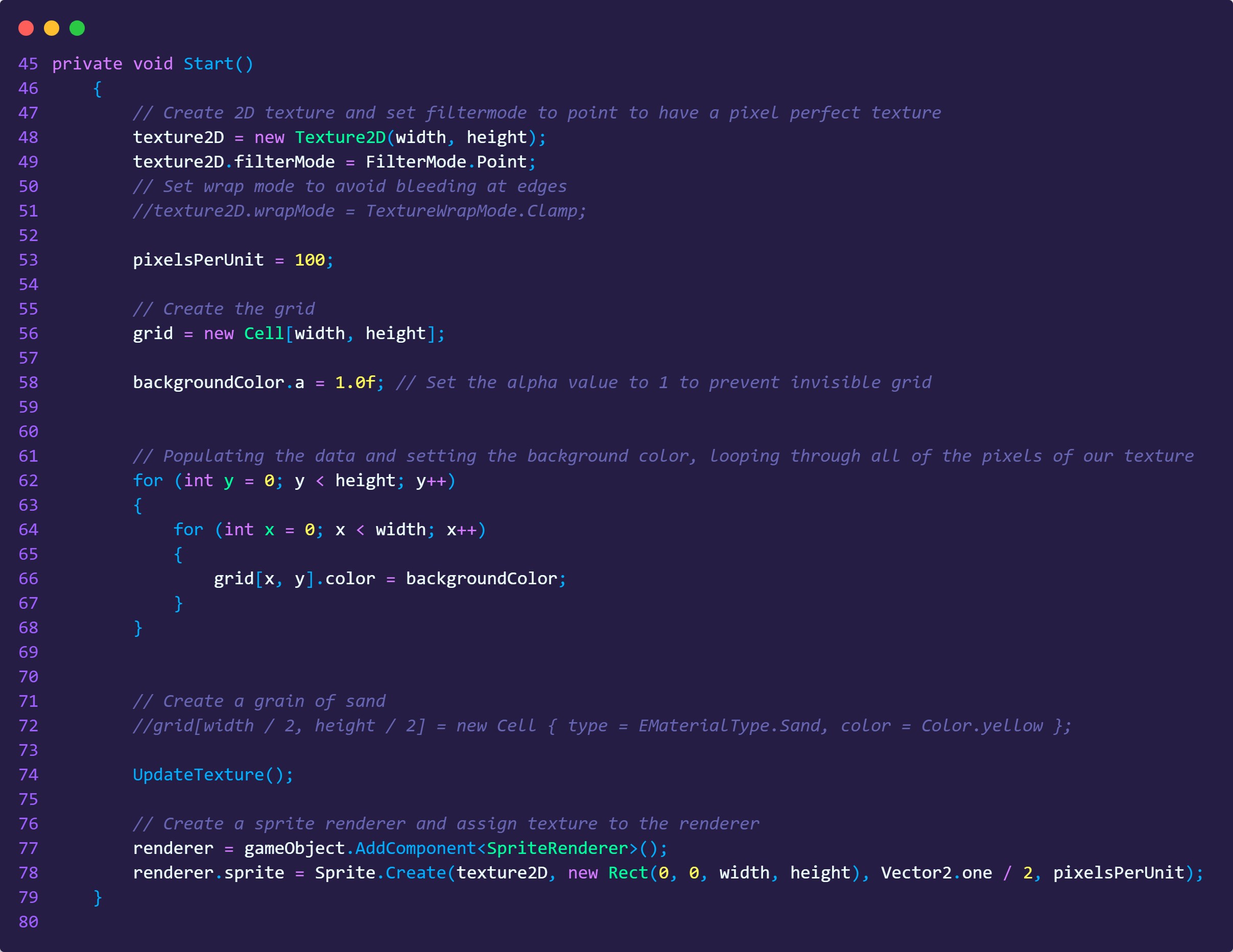
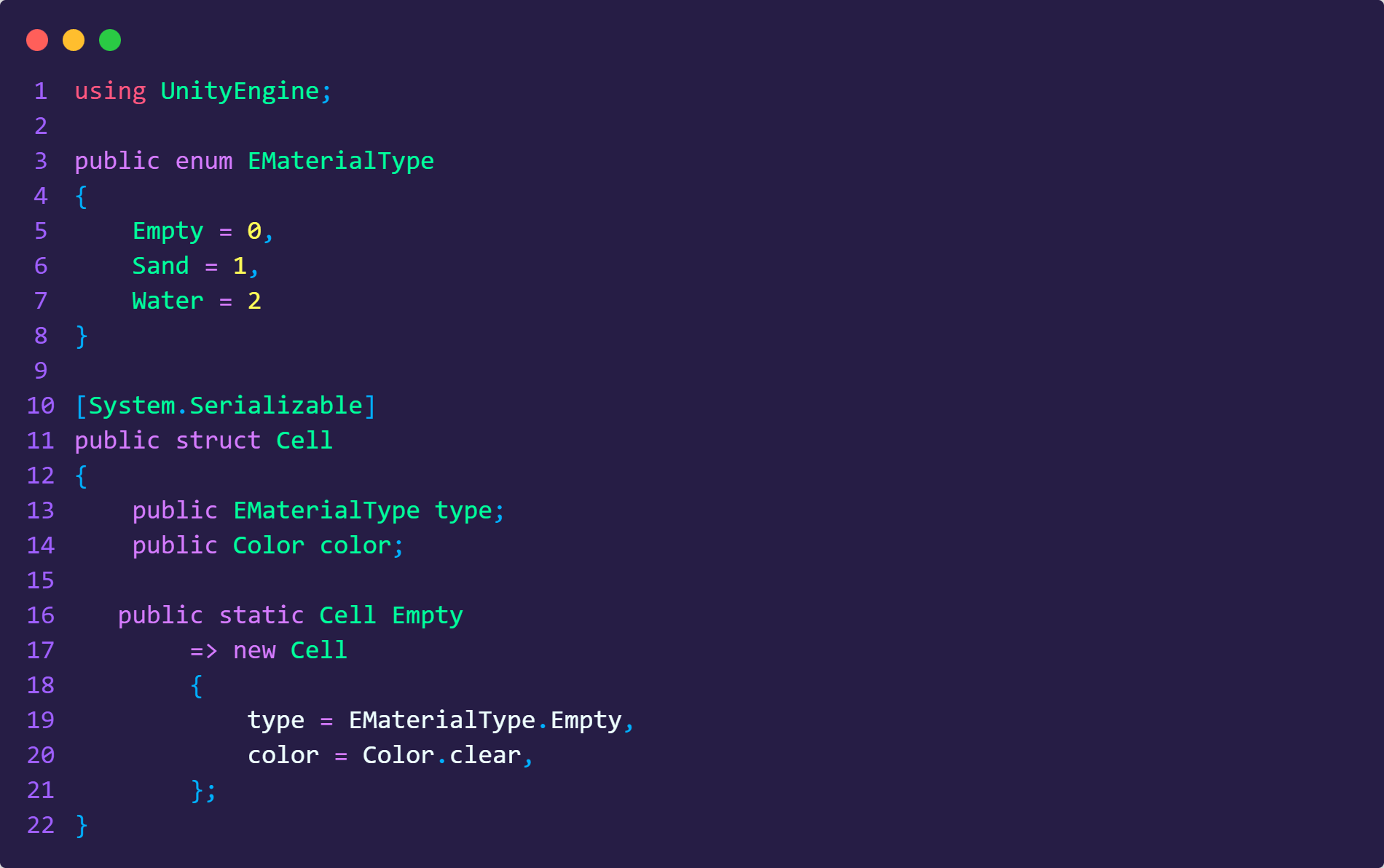
Code Examples
Light Probes: High-Performance Realism
ON JANUARY 24, 2026 / GAME DEVELOPMENT
I first encountered Unity’s Light Probes while following a Udemy course. Fascinated by the concept, I decided to do a deep dive into this essential lighting solution.
What exactly are Light Probes?
Lighting is often the difference between a game that looks “flat” and one that is truly beautiful. But in game development, beauty usually comes at a cost to performance. This is where Light Probes can be used as an effective solution.
Using Light Probes we can decrease the calculation job of our computers. We do not force the computer to calculate how light hits a moving object every single frame (which is very expensive). We can think of a Light Probe as a “bookmark” for light. Putting these “bookmarks” we give Unity the ability to pre-calculate the lighting at specific points in our scene during the “bake” process.
When a player or a dynamic object moves through these points, Unity simply blends the light data from the nearest probes. This creates a realistic, indirect lighting on moving objects without the heavy lifting of real-time shadows.
Why To Use?
Performance Reasons:
Reading and trying to understand the documentation of Unity, I learned that Light Probes use something called Spherical Harmonics. Without getting too deep into the math, Spherical Harmonics are a set of mathematical functions used to represent data or functions on the surface of a sphere. In Unity it basically allows the GPU to render complex lighting using a very small set of numbers. It’s incredibly fast.
Visual Continuity:
We want that our game characters (moving objects) within our game actually “belong” in their environment . A game character looking bright and glowing even when it walks into a dark alley is not a realistic experience for the player. That happens usually because of a lack of Light Probes. Probes ensure that our characters pick up the colors and brightness of the world around them.
Memory Efficiency:
According Unity documentation unlike Lightmaps (which are large textures that eat up VRAM), Light Probes are tiny. For mobile or VR development, they are essential for keeping the frame rate high while maintaining a polished look.
How to use them?
We should not place more of them but place them smarter. We can place them where the action happens and not into corners of a room where the player can’t go.
We can try to increase the density near transitions. For example if a player moves from a bright outdoor area into a dark cave, we can place more probes at that entrance to ensure the lighting transition looks smooth.
Final Thoughts
Light Probes are quite effective tools provided by Unity. We can use them to create rich, believable worlds that run smoothly on everything from high-end PCs to mobile phones.
Sand Grain
Sand Grain Fountain
Colorful Sands
Code Examples