

Anıl Tuluy
Blog Post
Sand Grain
Sand Grain Fountain
Colorful Sands
When to use Static, Abstract or Interface?
ON APRIL 14, 2025 / GAME DEVELOPMENT
As in all areas of software development, in game development we must also make the leap from “making it work” to “making it scale”.
Choosing the right structure for your code is like choosing the right architectural blueprint for a building and it isn’t just about syntax; it’s about how your game systems communicate.
In order to establish the most optimal structure, we use tools like Static Classes, Abstract Classes, or Interfaces in C# that the Unity engine makes use of.
1. Static Classes:
We can define them as the “Global Helpers” of a project. They aren’t attached to a GameObject and live in the application memory which makes them perfect for data that needs to persist across scenes without the overhead of DontDestroyOnLoad.
Can be used for: Math Libraries, Save/Load Managers, or Global Game Settings.
Important to remember: Static classes do not reset automatically when you reload a scene. We can use the [RuntimeInitializeOnLoadMethod] attribute to clear static lists and data when a new game starts to prevent “data bleeding”.
2. Abstract Classes:
Abstract classes can be used as “Base Templates.”
We can think of an abstract class as a “half-finished” blueprint. In Unity, we mark a class as abstract when it’s too generic to exist on its own. When there are objects of a type, which must have the variables and methods but you do not want to define exactly how the methods work yet, an abstract class comes handy.
A very good scenario which is given often to explain abstract classes is:
Imagine you have different types of projectiles: Arrows, Fireballs, and Magic Missiles. They all share a Speed variable and a Move() method. But while an Arrow flies in a straight line, a Magic Missile might curve toward an enemy. So you declare the Move method but not define it in the abstract class and each child will have its own Move method definition.
Can be used for: Creating a rigid hierarchy where children share the same variables and base logic.
Important to remember: By using abstract classes you follow the DRY (Don’t Repeat Yourself) principle. Make a change in the Abstract Parent, and the whole family inherits the fix.
3. Interfaces:
Commonly referred to as contracts in software development.
While an Abstract class defines what an object is, an Interface defines what an object can do.
Interfaces allow unrelated objects to share behaviors.
For example, you want a “Damage” system. You have a Player, a Crate, and a Glass Window.
They don’t share a parent class(a Crate isn’t a Person). They belong to totally different hierarchies but they all are damageable. Instead of forcing them into the same family tree, we can use an Interface called IDamageable. 🙂
Can be used for: Shared behaviors like IDamageable, IInteractable, or ISaveable.
Important to remember: When checking for an interface in Unity, we can combine LayerMasks with TryGetComponent. By filtering the physics check to a specific layer first, we can ensure that the CPU only checks relevant objects, which makes systems like explosions or minimaps incredibly performant.
Final Thoughts
In a robust, complex full-scale Unity project we can use all three in harmony. You might have a Static SaveManager that loops through all objects implementing an ISaveable Interface, while those objects themselves inherit from a BaseEntity Abstract Class.
Understanding these differences was very important for me and encouraged me to write cleaner, more modular code in my projects.
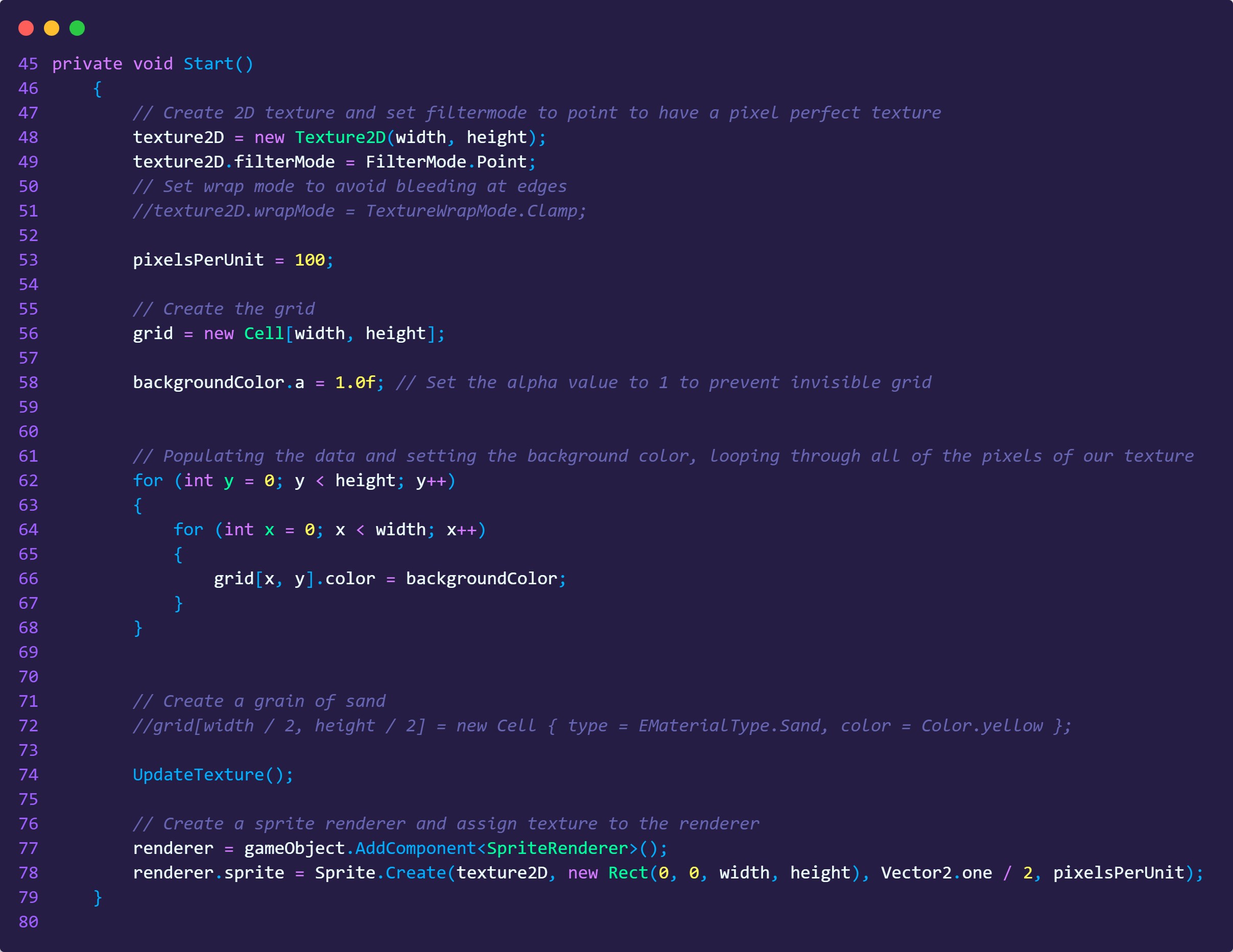
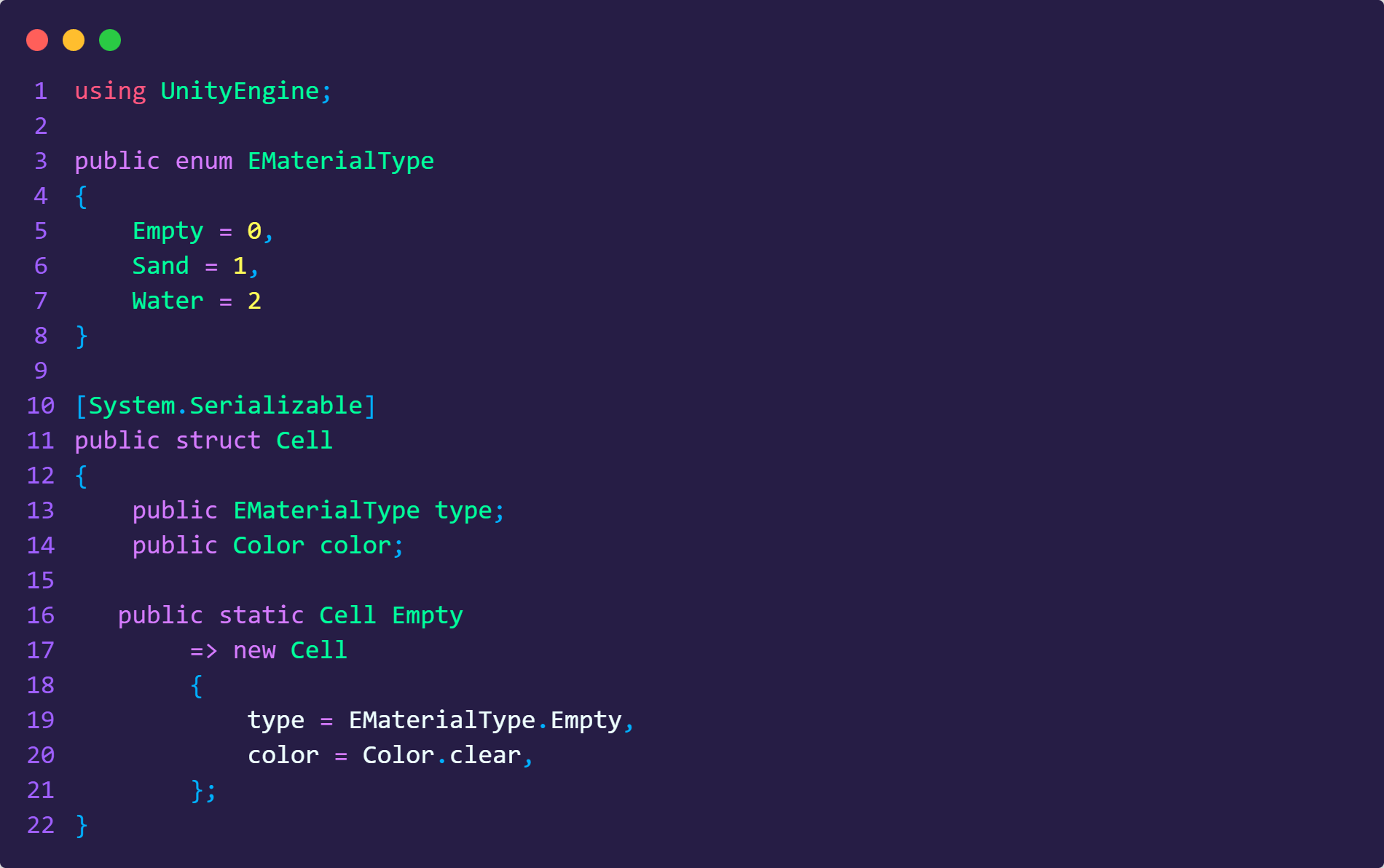
Code Examples
When to use Static, Abstract or Interface?
ON APRIL 14, 2025 / GAME DEVELOPMENT
As in all areas of software development, in game development we must also make the leap from “making it work” to “making it scale”.
Choosing the right structure for your code is like choosing the right architectural blueprint for a building and it isn’t just about syntax; it’s about how your game systems communicate.
In order to establish the most optimal structure, we use tools like Static Classes, Abstract Classes, or Interfaces in C# that the Unity engine makes use of.
1. Static Classes:
We can define them as the “Global Helpers” of a project. They aren’t attached to a GameObject and live in the application memory which makes them perfect for data that needs to persist across scenes without the overhead of DontDestroyOnLoad.
Can be used for: Math Libraries, Save/Load Managers, or Global Game Settings.
Important to remember: Static classes do not reset automatically when you reload a scene. We can use the [RuntimeInitializeOnLoadMethod] attribute to clear static lists and data when a new game starts to prevent “data bleeding”.
2. Abstract Classes:
Abstract classes can be used as “Base Templates.”
We can think of an abstract class as a “half-finished” blueprint. In Unity, we mark a class as abstract when it’s too generic to exist on its own. When there are objects of a type, which must have the variables and methods but you do not want to define exactly how the methods work yet, an abstract class comes handy.
A very good scenario which is given often to explain abstract classes is:
Imagine you have different types of projectiles: Arrows, Fireballs, and Magic Missiles. They all share a Speed variable and a Move() method. But while an Arrow flies in a straight line, a Magic Missile might curve toward an enemy. So you declare the Move method but not define it in the abstract class and each child will have its own Move method definition.
Can be used for: Creating a rigid hierarchy where children share the same variables and base logic.
Important to remember: By using abstract classes you follow the DRY (Don’t Repeat Yourself) principle. Make a change in the Abstract Parent, and the whole family inherits the fix.
3. Interfaces:
Commonly referred to as contracts in software development.
While an Abstract class defines what an object is, an Interface defines what an object can do.
Interfaces allow unrelated objects to share behaviors.
For example, you want a “Damage” system. You have a Player, a Crate, and a Glass Window.
They don’t share a parent class(a Crate isn’t a Person). They belong to totally different hierarchies but they all are damageable. Instead of forcing them into the same family tree, we can use an Interface called IDamageable. 🙂
Can be used for: Shared behaviors like IDamageable, IInteractable, or ISaveable.
Important to remember: When checking for an interface in Unity, we can combine LayerMasks with TryGetComponent. By filtering the physics check to a specific layer first, we can ensure that the CPU only checks relevant objects, which makes systems like explosions or minimaps incredibly performant.
Final Thoughts
In a robust, complex full-scale Unity project we can use all three in harmony. You might have a Static SaveManager that loops through all objects implementing an ISaveable Interface, while those objects themselves inherit from a BaseEntity Abstract Class.
Understanding these differences was very important for me and encouraged me to write cleaner, more modular code in my projects.
Sand Grain
Sand Grain Fountain
Colorful Sands
Code Examples